Gallery






Is Roblox Shutting Down In 2026 Latest Updates How To Check Server Status Fix Connection Errors Error Are Servers 2026 Downdetector And Issues V0 XN7CYQH92CIE1 V0 XN7CYQH92CIE1 2026 If Getting Shut 2026 The Real Truth Behind All Those 2026 Why Right Now What S Happening Does Work On Weekends It Always Online Whats Banner Screenshot 1635684529688 January 2026 Beebom Patch Crazy.





Is Roblox Down Your Goto Tracker The Server Here S What You Need To Know Playbite Are Servers Check Status 2026 Twitter How And Fix Issues Techwiser 1000368116 Right Now Breakdown Experiences Error More 93CCF 16703904024494 1920 93CCF 16703904024494 1920 June 2024 Happened Today 2024 Maxresdefault 17429774214969823 January 2026 Beebom Shutting In 2024 Cover 2024 2026 Latest Updates Caused Biggest Outage 2021 2025121061110 Getting Shut 2026 Real Truth Behind All Those Moderation System Changes Impact 2026.






Is Roblox Down March 2026 Designtaxi Community Image BFB509F6526AD6E92952208F69174F47 How To Fix Error Code 267 Complete 2026 Guide TECH2GEEK Server Status Private Servers Not Working 2026 January 2026 4197BF97AB3BC2013873673AF145B8EC Now Are Experiencing Issues 2024 What Happened Today Maxresdefault Happening With The Why Check Database Right They Currently Youtube.
Key highlights
The story
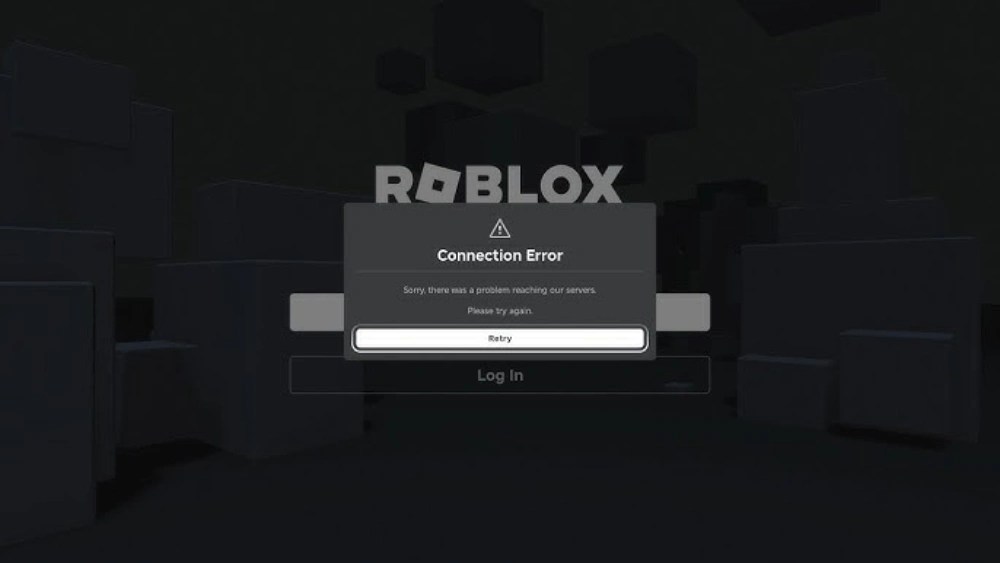
For many adult gamers across the US, that precious window of free time after work or once the kids are asleep is sacred. It is a chance to unwind, connect with friends, or dive into a creative world like Roblox. But there is nothing more frustrating than booting up your favorite platform, ready for some relaxation or skill-building, only to be met with a stubborn 'Failed to connect' error or endless loading screens. You are left wondering, 'Is the Roblox server down, or is it just me?' This is a common pain point for the estimated 87 percent of US gamers who play regularly, many averaging 10 or more hours a week, often balancing gaming with demanding lives. With mobile gaming dominating and social play being a huge draw, knowing quickly if Roblox is having issues is key to maximizing your limited gaming time.
This guide aims to cut through the confusion and provide clear, actionable advice. We will cover how to accurately check Roblox server status, understand why outages happen, and offer practical troubleshooting steps to get you back into the game or at least confirm it is not on your end. We know you value direct solutions and reliable information, not hype. So, let's get you back to enjoying the vibrant worlds Roblox offers, because your gaming time is too valuable to waste on technical mysteries.
How do I check if Roblox servers are down right now?
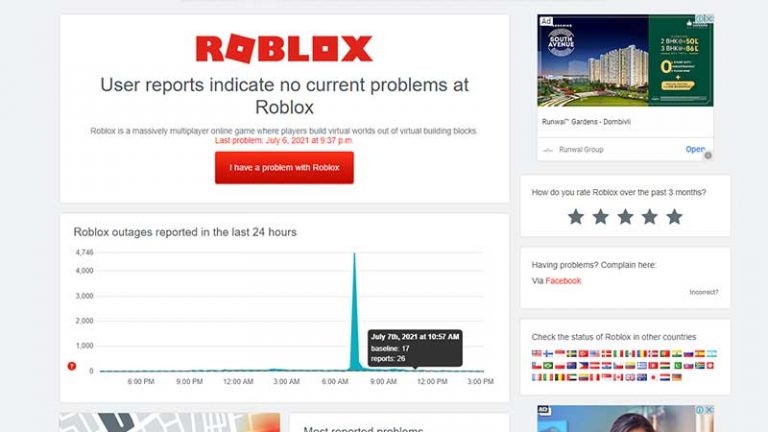
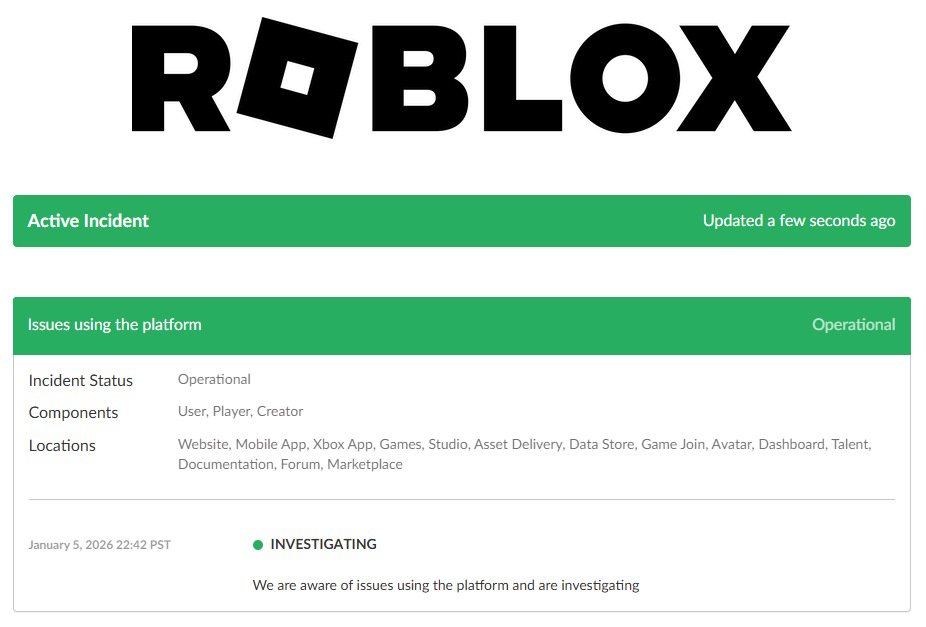
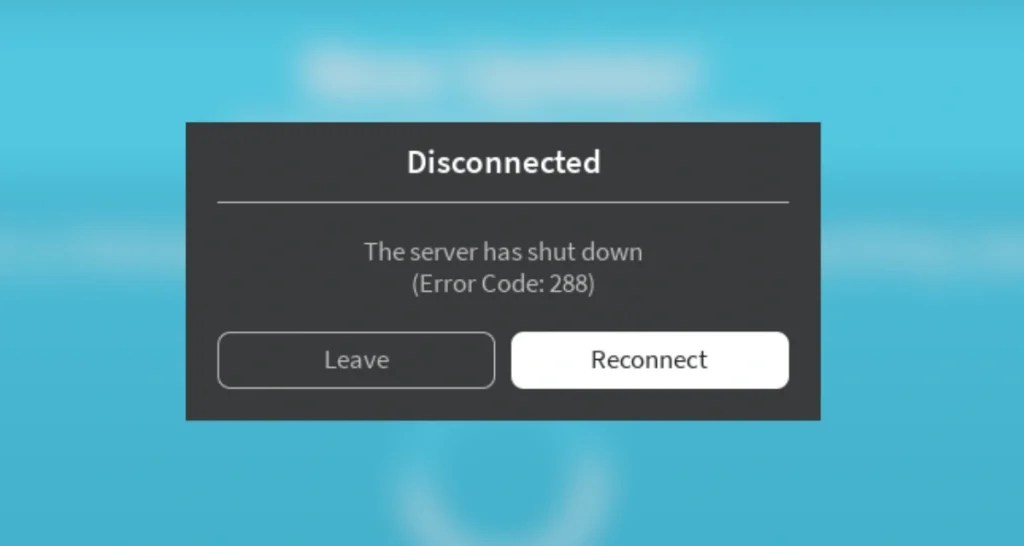
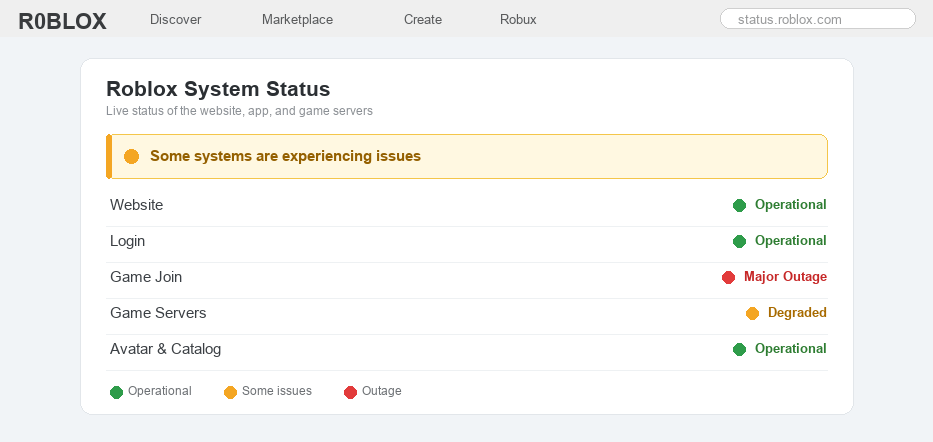
The quickest way to verify if Roblox servers are down is to check official and reliable third-party status pages. Roblox itself maintains a status page that provides real-time updates on its core services. Additionally, popular independent websites like DownDetector aggregate user reports and often show an immediate spike in issues, giving you an early indication if a widespread outage is occurring. It is always wise to cross-reference a couple of sources to confirm a global issue.
Why do Roblox servers go down?
Roblox servers can go down for several reasons, much like any other massive online service. Planned maintenance is a common cause, as the platform constantly updates and improves its infrastructure to support millions of concurrent users. Unforeseen technical issues, such as hardware failures, software bugs, or network problems, can also trigger outages. Sometimes, an overwhelming surge in player traffic, especially during peak hours or major in-game events, can strain servers beyond their capacity, leading to slowdowns or temporary unavailability. Lastly, cybersecurity incidents, while rare, can also force services offline for investigation and mitigation.
What should I do if Roblox is down?
If you confirm Roblox servers are down, the best course of action is patience. Since the problem is on their end, there is little you can do to fix it directly. Here are some steps to take:
- Monitor Official Channels: Keep an eye on the official Roblox Status page and their social media (like X, formerly Twitter) for updates on the outage and estimated resolution times.
- Engage with the Community: Join relevant Discord servers or check popular gaming forums. Other players will likely be discussing the issue, and sometimes community members share unofficial updates or workarounds.
- Take a Break: Use the downtime to catch up on other tasks, spend time with family, or try a different game entirely. For busy adults, a forced break might even be a silver lining.
Is it my internet or is Roblox server down?
This is a crucial distinction to make. Before assuming Roblox is down, perform a quick check of your own internet connection. Try loading other websites or streaming services. If everything else works fine, it is highly likely the issue is with Roblox. If other services are also struggling, your internet might be the culprit. A simple router restart often resolves many home network issues. For US gamers, especially those using mobile data for Roblox on the go, network congestion or a weak signal can also mimic server-side problems. Always ensure your device has a stable connection before troubleshooting further.
How long do Roblox outages usually last?
The duration of Roblox outages varies widely depending on the cause. Minor glitches or localized issues might be resolved within minutes to an hour. Major widespread outages due to critical system failures or complex maintenance can sometimes last several hours, and in rare cases, even a full day or more. Roblox engineers typically work around the clock to restore services as quickly as possible, understanding the significant impact on their global player base. They prioritize getting the platform stable and functional over rushing a partial fix.
Can I play other games or content if Roblox is down?
Yes, absolutely! If Roblox is down, your internet connection is likely still functioning, meaning you can pivot to other forms of entertainment. This is a great opportunity to explore games that do not rely on Roblox's servers, such as single-player titles, games on other platforms like Steam or consoles, or even mobile games that are not Roblox-specific. For busy adults, this might be a chance to dive into that cozy game you have been meaning to try, or catch up on an esports stream. Given the rise of cross-play and diverse gaming options, you are rarely without alternatives in 2026.
What are reliable sources to confirm Roblox server status?
For the most reliable information regarding Roblox server status, always prioritize official channels first. The Official Roblox Status Page is updated directly by Roblox staff during incidents. Their official X (formerly Twitter) accounts, like @Roblox and @Roblox_Status, are also excellent sources for real-time announcements. Additionally, DownDetector for Roblox is a popular third-party site that aggregates user reports and quickly visualizes outage spikes, providing an early warning system based on community feedback. Cross-referencing these sources gives you a comprehensive view.
How does server downtime impact the Roblox community and creators?
Server downtime significantly impacts the Roblox community and its vast ecosystem of creators. For players, it means disrupted social plans, inability to access purchased items, and frustration when gaming time is cut short. For creators, especially those who rely on daily active users for engagement or income through experiences and items, outages can lead to direct financial losses and a halt in development or testing. In 2026, where many creators use Roblox as a professional platform, prolonged downtime can be a serious blow. It underscores the platform's critical role in both entertainment and economic activity for millions.
Are there official Roblox announcements during outages?
Yes, Roblox typically makes official announcements during significant outages. These are primarily found on their dedicated Roblox Status Page, which provides detailed updates on affected services and progress towards resolution. They also leverage their official social media accounts, particularly X (formerly Twitter), to quickly communicate with the wider community. While these announcements are generally concise, they aim to keep users informed about the nature of the problem and the steps being taken to fix it. Always refer to these official channels for the most accurate information.
What trends affect Roblox server stability in 2026?
In 2026, several trends continue to influence Roblox server stability. The sheer scale of user growth, especially with mobile dominance and cross-platform play, constantly tests infrastructure. The increasing complexity of user-generated content and high-fidelity experiences demands more from servers. Furthermore, the global nature of the platform means managing traffic spikes across different time zones. The drive for more immersive social features and persistent worlds also adds pressure. Roblox continuously invests in scaling its infrastructure, but these evolving trends mean that occasional server challenges will likely remain a part of the online gaming landscape.
Conclusion
Experiencing a Roblox server outage can be a real buzzkill, especially when your gaming moments are precious. But by knowing how to quickly check the server status, understanding why these issues occur, and having a few reliable troubleshooting steps in your back pocket, you can minimize frustration. Remember to always verify the status with official sources, leverage community reports, and if all else fails, take the opportunity to explore other games or activities. Your ability to balance gaming with life means being efficient with your time, and that includes swiftly diagnosing technical hiccups. What's your biggest gaming challenge when Roblox goes down? Comment below!
FAQ Section
Is Roblox down for everyone or just me? The best way to check is to visit the official Roblox Status page or DownDetector. If many users are reporting issues, it's likely a widespread outage; otherwise, it might be a local network problem or an issue with your device.
How do I fix Roblox not launching? First, check if Roblox servers are online. If they are, try restarting your device, clearing your browser cache, reinstalling the Roblox player, or checking your firewall settings to ensure Roblox is not blocked. Update your drivers and operating system as well.
What is the Roblox maintenance schedule? Roblox usually does not announce routine maintenance in advance unless it is a significant, impactful update. Most maintenance is performed on the fly or during low-traffic periods to minimize disruption. Major updates might have brief scheduled downtimes, communicated via official channels.
Can I get a refund for Robux if servers are down? Generally, no. Roblox outages are temporary, and while frustrating, they do not typically warrant Robux refunds. However, if a purchased item or service was permanently lost due to a prolonged, critical server error, you might contact Roblox support for assistance, though this is rare.
Why is Roblox lagging so much? Lag can be due to various factors: your internet speed, network congestion, an outdated device, too many background applications, or even a specific game experience being poorly optimized. While server issues can cause lag, often it's client-side or network-related.
What is a 'Bad Request' error on Roblox? A 'Bad Request' error often indicates an issue with your browser's cookies or cached data, or a problem with the specific URL you are trying to access. Try clearing your browser's cache and cookies, or attempting to access Roblox through a different browser or the desktop app.